
Vehicle & instrument models
Maintain vehicle models, colors and images. Select supported functions and compatible vehicles for each instrument model.
Vehicle models / Color images / Device modelsBring models, vehicles, instruments and teams together. One console for product setup, device delivery and everyday operations.
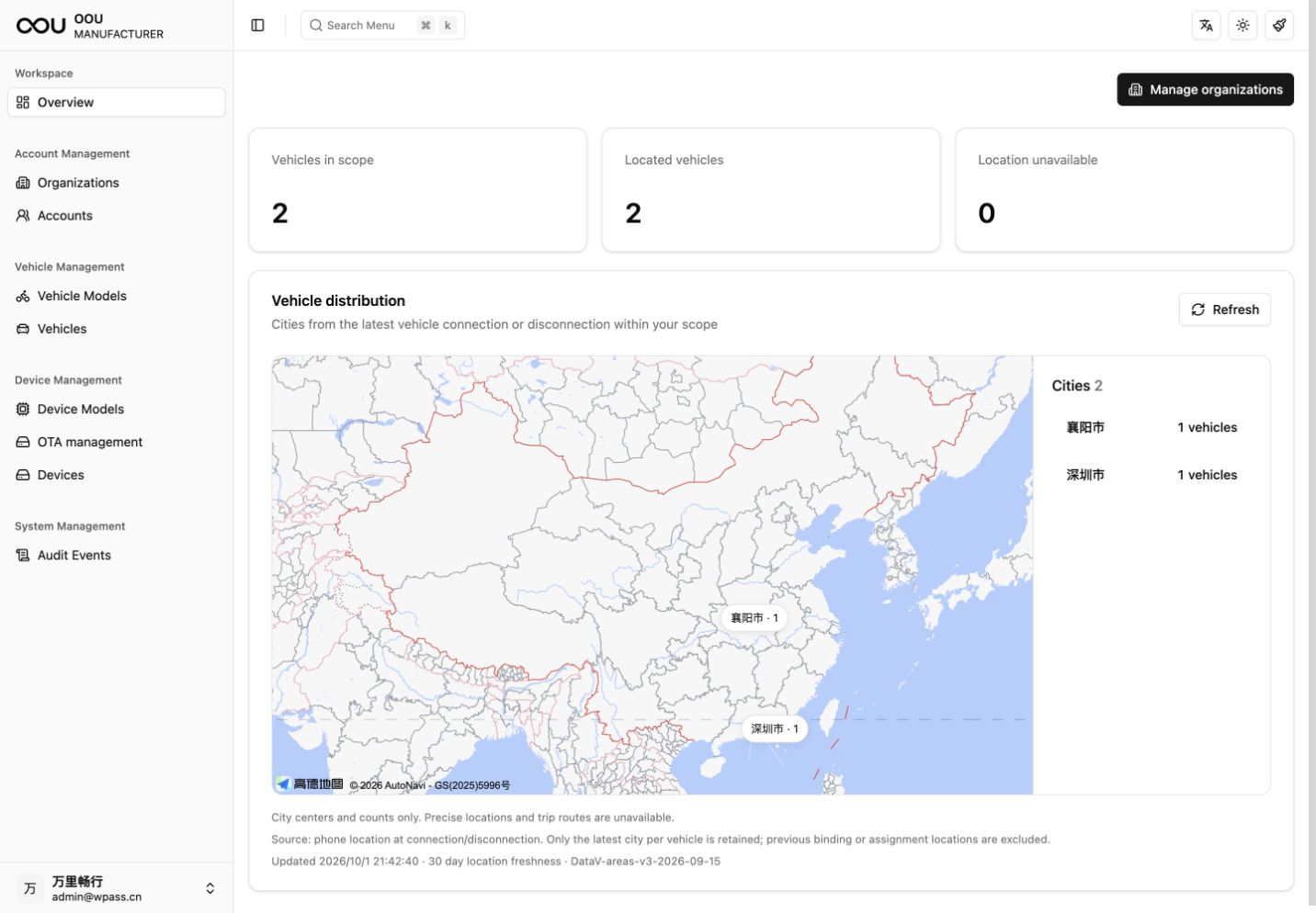
View vehicle counts, location status and city distribution within your management scope.
Bring product configuration, assets and action records into the same workspace.
Maintain vehicle models, colors and images. Select supported functions and compatible vehicles for each instrument model.
Vehicle models / Color images / Device modelsView vehicle records, VINs, models and binding details. Assign vehicles to organizations and retain their transfer history.
Vehicle records / Transfers / Binding detailsConnect instrument records to vehicles through registration, authorization, installation, removal and terminal reports.
Authorization / Installation history / ReportsManage organizations and accounts, with functions scoped by role and organization. Handle account status and password resets centrally.
Organizations / Accounts / Role-based accessView located vehicles and city counts within your management scope. City summaries show distribution without exposing precise locations or trip histories.
City summaries / Management scope / Location statusFilter audit events by time, operator, object and result, and find related records using request identifiers.
Action records / Result filters / Request tracingKeep device status, OTA campaigns and action records in one workflow to support ongoing maintenance.
Manage packages, create campaigns, inspect targets and transfer status, and pause or resume campaigns.
Simulation packages verify transfer only. Firmware installation depends on terminal integration and the agreed delivery scope.Manufacturers, dealers and the platform work within their assigned permissions. APP user management and capability definitions are controlled by platform permissions.
Use installation history, the latest terminal reports and audit events to find the records associated with a device.
Tell us about your product range, organization and delivery workflow to plan your console integration.